
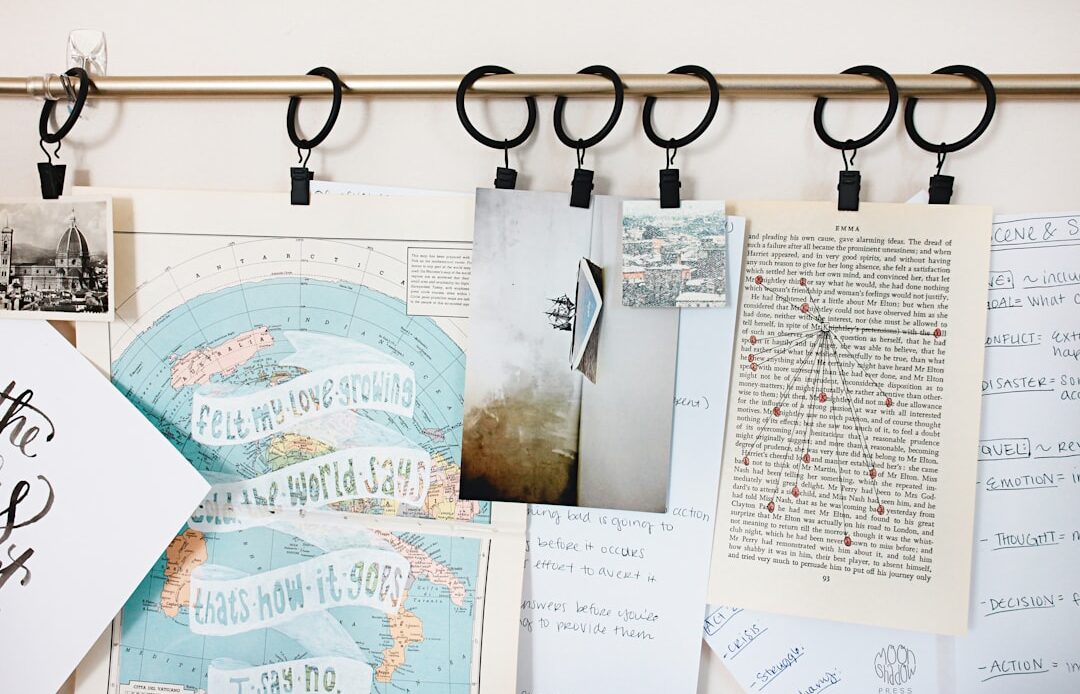
The following guide offers practical strategies for enhancing personal and team productivity through optimized office organization. It draws upon principles of efficiency and ergonomics to create a functional workspace, whether in a traditional office, a home office, or a flexible work environment. This article addresses individual habits, physical environment structuring, and digital organization for a holistic approach to productivity.
Disorganization is not merely an aesthetic issue; it has tangible consequences for productivity. A cluttered workspace can act as a mental burden, creating distractions and increasing cognitive load. The act of searching for misplaced items consumes valuable time, a resource often underestimated in its drain on efficiency. Studies on workplace efficiency have consistently linked a tidy environment with improved focus and reduced stress levels. The metaphor of a “mental warehouse” is pertinent here: just as a physical warehouse struggles with unindexed or misplaced inventory, a mind constantly processing visual clutter and searching for needed items experiences a similar inefficiency.
Time Loss and Frustration
The most direct consequence of disorganization is the time wasted actively searching for documents, tools, or digital files. This is not a passive loss; it involves active mental effort and often leads to frustration. Each minute spent searching is a minute not spent on core tasks. For instance, a common scenario involves a document needed for a meeting. If that document is not readily accessible, the time spent sifting through piles or navigating disorganized digital folders directly impacts preparation time and potentially the quality of contribution at the meeting. This cumulative loss of minutes across a workday or week amounts to significant lost productivity.
Cognitive Load and Decision Fatigue
A visually chaotic environment overstimulates the brain. Each item present in your visual field, even if not directly relevant to the current task, demands a fraction of your cognitive resources. This “cognitive load” diminishes the brain’s capacity for focused work and creative problem-solving. Furthermore, disorganization can lead to “decision fatigue.” When faced with a multitude of scattered items, even simple decisions about where to place something or what to prioritize can become overwhelming, delaying action and hindering progress. Imagine a chef in a disorganized kitchen – the constant minor decisions about where ingredients are or which utensil to use divert mental energy from the primary task of cooking.
Negative Perception and Professionalism
While perhaps less direct, the impact of a disorganized workspace on professional perception should not be overlooked. In collaborative environments, a cluttered desk can signal a lack of attention to detail or even a disregard for shared spaces. In client-facing roles, a disorganized environment can undermine confidence and professionalism. This extends to digital spaces as well; a chaotic desktop or email inbox can create similar perceptions in virtual interactions. Maintaining an organized workspace, therefore, contributes not only to personal efficiency but also to the projection of a professional and competent image.
Effective office organization is crucial for enhancing productivity and maintaining a conducive work environment. For those looking to optimize their workspace while also focusing on business growth, a related article on implementing an organic SEO strategy can provide valuable insights. You can explore this topic further in the article titled “How to Use an Organic SEO Strategy to Build Your Business” available at this link. By integrating effective office organization with strategic online marketing, businesses can achieve a more streamlined operation and improved visibility.
Strategic Workspace Layout
The physical arrangement of your workspace is a foundational element of productivity. A well-designed layout minimizes unnecessary movement, provides easy access to frequently used items, and creates a clear distinction between different work activities. Think of your workspace as a cockpit: every control and display is strategically placed for optimal access and information flow.
Zonal Organization
Applying a “zonal” approach to your workspace involves dividing it into distinct areas based on function.
- Primary Zone: This is the immediate area around your chair and within easy reach, typically 12-18 inches. It should house items used constantly: keyboard, mouse, frequently referenced documents, and essential writing tools. Anything in this zone should require minimal effort to access.
- Secondary Zone: This area extends slightly beyond the primary zone, typically requiring a slight lean or swivel of your chair. It’s suitable for items used regularly but not continuously, such as a stapler, phone, reference books, or current project folders.
- Tertiary Zone: This furthest zone requires standing or a significant reach. It’s for items used infrequently, such as archived files, less-used office supplies, or decorative items. Keeping these further away reduces visual clutter in your immediate work area.
Ergonomics and Comfort
Beyond mere organization, ergonomics plays a crucial role in sustained productivity. An uncomfortable workspace leads to physical strain, fatigue, and reduced focus.
- Chair and Desk Height: Ensure your chair provides good lumbar support and allows your feet to be flat on the floor, with your knees at a 90-degree angle. Your desk height should allow your forearms to be parallel to the floor when typing, preventing wrist strain.
- Monitor Placement: Your monitor should be at arm’s length (about 20-30 inches), with the top of the screen at or slightly below eye level. This minimizes neck and eye strain. If using multiple monitors, arrange them to minimize head movement.
- Lighting: Adequate lighting reduces eye strain. Natural light is optimal, but if unavailable, use a combination of ambient and task lighting that avoids glare on your screen.
Minimizing Distractions
Designing a workspace to minimize distractions is paramount. This involves both visual and auditory elements.
- Visual Clutter: As discussed, keeping surfaces clear of non-essential items reduces visual stimuli that can draw attention away from tasks.
- Personalization vs. Clutter: While personal items can make a space feel more welcoming, too many can become distractions. Select a few meaningful items rather than an abundance.
- Sound Management: If possible, locate your workspace away from high-traffic areas. Consider noise-canceling headphones for environments with unavoidable auditory distractions. This is akin to building sound insulation around your workspace; not just for noise, but for stray thoughts.
Effective Storage Solutions
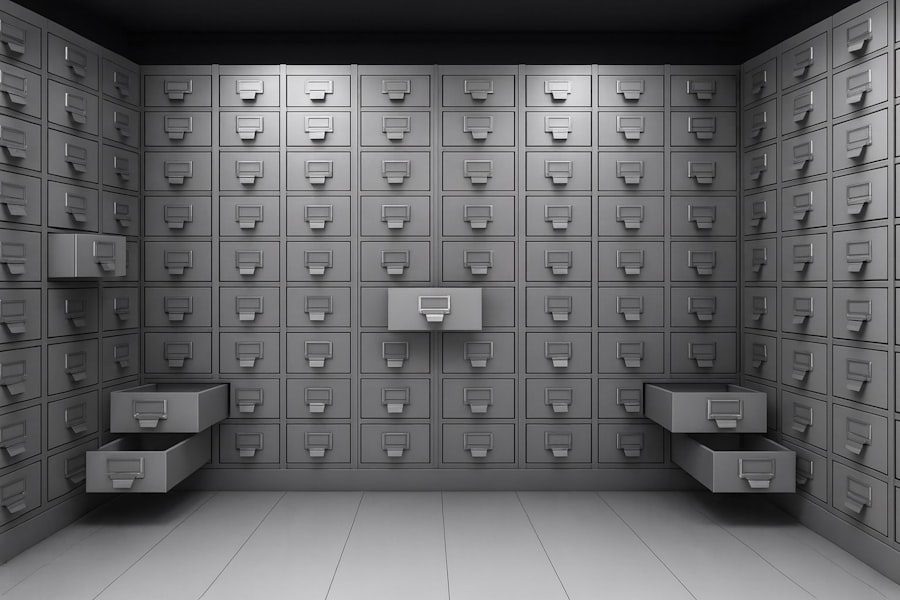
Storage is the silent architect of an organized office. Without appropriate systems, items will invariably find their way back to horizontal surfaces, recreating clutter. The goal is to provide a designated home for every item, making retrieval and return intuitive.
Vertical Storage Maximization
Horizontal space is often limited, making vertical storage a critical asset.
- Shelving Units: Open shelves or closed cabinets can house books, binders, and archival boxes, keeping them off your desk. Adjustable shelves offer flexibility for items of varying heights.
- Wall-Mounted Organizers: For smaller items like pens, clips, or frequently referenced quick guides, wall-mounted pockets or pegboards can clear desk space without taking up floor area.
- Drawer Dividers: Even within drawers, chaos can reign. Dividers for pens, paper clips, and other small stationery items prevent them from mixing, making it easier to find what you need.
Digital Clutter Management
Physical clutter often has a digital counterpart. An unmanaged digital environment can be just as detrimental to productivity as a disorganized desk.
- File Naming Conventions: Implement consistent and logical naming conventions for all digital files. This ensures easy retrieval and reduces the need to open multiple files to find the correct one. For example,
[Project Name]_[Document Type]_[Date](e.g.,Q3Report_ExecutiveSummary_20230930.docx). - Folder Structures: Create a hierarchical folder structure that mirrors your workflow or project categories. Avoid dumping all files into the root directory. Regular review and archiving of old files are essential.
- Desktop Hygiene: Treat your computer desktop like your physical desk: keep it clear of unnecessary icons and temporary files. Use it as a temporary staging area for actively used files, moving them to their permanent folders once done.
Paperless Office Strategies
Reducing paper volume significantly eases organization.
- Scanning and Archiving: Digitize important documents immediately, then either shred the physical copy (if legally permissible and secure) or file it systematically in a designated archive. Tools like document scanners and cloud storage facilitate this.
- Cloud Storage: Utilize cloud services for file storage, synchronization, and collaboration. This provides accessibility from anywhere and often includes version control, reducing reliance on physical copies.
- Digital Note-Taking: Embrace digital note-taking applications. These allow for easier organization, searching, and sharing of information compared to physical notebooks.
Streamlining Workflows and Habits

Organization is not a one-time event; it’s an ongoing process driven by consistent habits and optimized workflows. Your workspace should support your work, not impede it.
The “One Touch” Rule
A cornerstone of efficient organization is the “one touch” rule.
- Handle Items Once: When an item (physical or digital) enters your workspace, deal with it immediately if possible.
- Decision on First Interaction: Make a decision: act on it, file it, delegate it, or discard it. Avoid setting it aside “to deal with later,” as this creates piles and backlogs. This prevents the “boomerang effect” where items repeatedly migrate back to your attention without resolution.
Daily End-of-Day Tidy Up
Dedicate 5-10 minutes at the end of each workday to reset your workspace.
- Clear Surfaces: Put away all items not actively in use for the next day.
- Process Loose Ends: File away documents, clear temporary digital files, and update your to-do list for the following day. This ritual creates a clear start for the next day, avoiding morning decision fatigue and immediately allowing you to focus on high-priority tasks. This is akin to clearing the battlefield after a skirmish, ready for the next campaign.
Regular Archiving and Decluttering
Organization is not static. Over time, new items accrue, and old ones become obsolete.
- Scheduled Review: Schedule regular, perhaps monthly or quarterly, sessions to review your physical and digital files. This is an opportunity to archive completed projects, delete unnecessary files, and re-evaluate your storage systems.
- The “Eliminate, Delegate, Automate, Plan” Matrix: Apply this principle not just to tasks, but to items. Can an item be eliminated? Can its processing be delegated? Can its management be automated? If not, plan for its proper storage and retrieval.
Effective office organisation plays a crucial role in enhancing productivity and creating a conducive work environment. For those looking to streamline their workspace, a related article on mobile application development can provide valuable insights into tools that can aid in this process. By leveraging technology, businesses can improve their organisational strategies and overall efficiency. To learn more about how mobile applications can transform your office dynamics, check out this informative piece on business mobile application development.
Technology for Enhanced Organization
Technology, when harnessed effectively, can be a powerful ally in the pursuit of enhanced organization and productivity. It offers tools for managing information, tasks, and communications more efficiently than traditional methods.
Task Management Software
To-do lists are fundamental, but digital task management tools elevate them.
- Centralized Task Tracking: These platforms allow you to create, prioritize, assign, and track tasks across projects and teams. Features often include due dates, reminders, subtasks, and recurring tasks. Examples include Asana, Trello, Microsoft To Do, and Monday.com.
- Project Overviews: For complex projects, these tools provide a holistic view of progress, bottlenecks, and individual contributions, ensuring that tasks are not forgotten or duplicated.
- Integration with Calendars: Many integrate with digital calendars, automatically blocking out time for specific tasks or project milestones, ensuring that your time is allocated effectively.
Email Management Strategies
Email can be a significant source of disorganization and distraction if left unchecked.
- “Inbox Zero” Philosophy: While not always strictly achievable, the principle of aiming for an empty inbox at the end of each day is valuable. This involves immediately processing each email: respond, archive, delegate, or add to a task list.
- Folder and Label Systems: Create a clear system of folders or labels (tags) to categorize emails for easy retrieval. For instance, separate folders for clients, projects, or action items.
- Unsubscribe and Filter Rules: Regularly unsubscribe from unwanted mailing lists. Implement email filters to automatically sort incoming emails into relevant folders, reducing the cognitive burden of a full inbox.
Document Management Systems (DMS)
For organizations dealing with a large volume of documents, a DMS provides a structured solution.
- Centralized Repository: A DMS acts as a single, secure location for all digital documents, ensuring version control, accessibility, and collaboration.
- Search Functionality: Advanced search capabilities allow users to quickly locate documents based on metadata, keywords, or content, significantly reducing search time.
- Access Control and Workflow Automation: DMS platforms often include features for managing who can access, edit, or approve documents, streamlining workflows and enhancing security.
The journey toward maximizing productivity through office organization is an iterative process, not a destination. It requires consistent effort, self-awareness, and a willingness to adapt strategies based on individual needs and evolving work environments. By systematically addressing physical clutter, optimizing digital environments, and cultivating efficient habits, individuals can transform their workspaces into powerful engines of personal and professional achievement. The rewards are not merely aesthetic; they encompass reduced stress, enhanced focus, efficient resource allocation, and ultimately, greater output and professional satisfaction.