
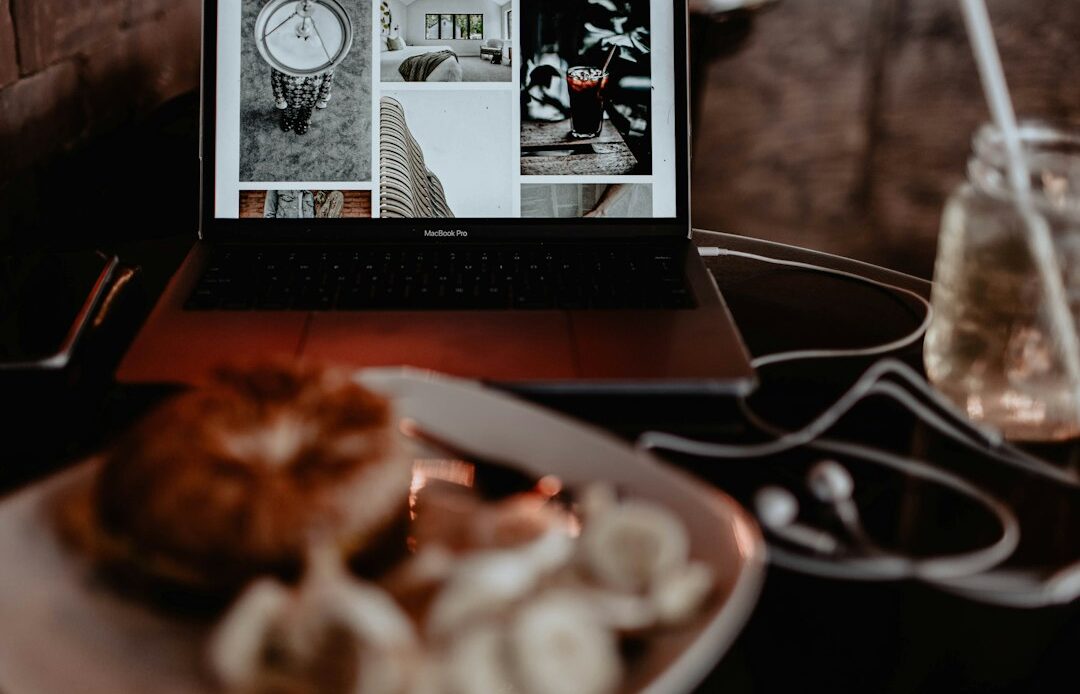
So, you’re running a small restaurant and wondering how a good website can actually put more money in your till? The simple truth is, a well-designed website isn’t just an online brochure anymore; it’s a powerful tool that can drive direct sales, reduce operational headaches, and make your local spot a go-to for more people. Think of it as your hardest-working employee, always on, always ready to serve, and always making a great first impression. It’s about making it incredibly easy for customers to find you, see your menu, book a table, or order food without any friction.
Making Your Digital Shop Window Shine
Your website is often the very first interaction a potential customer has with your restaurant. Before they even step through your doors, they’re likely checking you out online. This digital “shop window” needs to be inviting, informative, and reflect the unique vibe of your place. If it’s clunky, outdated, or hard to navigate, they might just click away and try the next restaurant on their list.
A Clear and Appetizing First Impression
When someone lands on your homepage, they should immediately get a sense of what you offer. High-quality, mouth-watering photos of your food are non-negotiable. Don’t just show a generic stock photo of a pasta dish if you’re known for your artisanal pizzas. Show your pizzas. A prominent, easy-to-read menu with prices is also crucial. People want to know what they’re getting into, and transparency builds trust. Make sure your operating hours and location are clearly visible, ideally right at the top of the page or in the footer.
Intuitive Navigation: Don’t Make Them Hunt
Imagine walking into a restaurant and having to search for the host stand or a menu. It’s frustrating, right? Your website should be just as easy. A clean, simple navigation bar with clear labels like “Menu,” “Order Online,” “Reservations,” “About Us,” and “Contact” is essential. Avoid overly fancy or hidden menus that make users work to find what they need, especially on mobile. Most people are just looking for a menu or to place an order, so make those actions front and center.
Mobile-First Design: Your Customers Are on Their Phones
This isn’t just a “nice-to-have” anymore; it’s absolutely vital. The vast majority of people will be browsing your website on their smartphones. If your site isn’t optimized for mobile – meaning it scales gracefully, buttons are big enough to tap, and text is readable without zooming – you’re losing customers. Test it yourself: pull up your website on your phone. Is it easy to use? Can you place an order or book a table without pinching and zooming? If not, it’s time for an update. Google also penalizes non-mobile-friendly sites in search rankings, meaning fewer people will even find you.
Visual Storytelling: Beyond Just Food Photos
While food photos are key, don’t stop there. Showcase the ambiance of your restaurant. Photos of your interior, perhaps your staff in action (if they’re comfortable and it fits your brand), or even happy customers enjoying their meals can help paint a richer picture. A short video tour of the space can also be incredibly effective. This helps potential diners visualize themselves in your restaurant, building excitement and connection before they even arrive.
Seamless Online Ordering and Reservation Systems
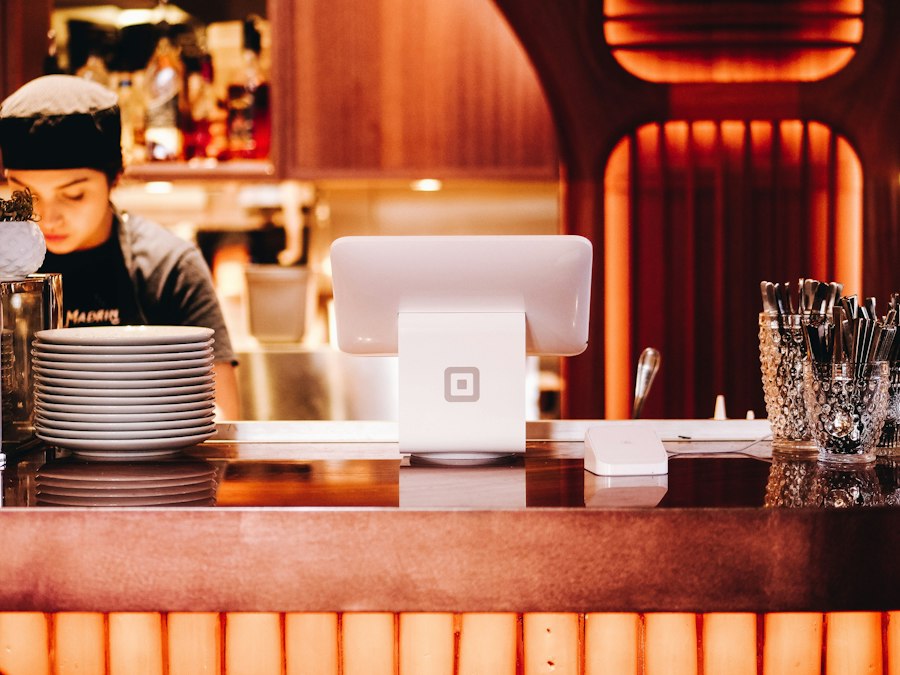
This is where the rubber meets the road for boosting sales directly. If customers can’t easily order from you or book a table, you’re leaving money on the table. Frictionless systems are your best friend here.
Direct Online Ordering: Keep More of Your Profits
Relying solely on third-party delivery apps like Uber Eats or DoorDash can eat significantly into your margins. While they have their place for reach, having your own direct online ordering system is a game-changer. Customers who order directly through your site mean more profit in your pocket. Look for systems that integrate smoothly, offer clear customization options for dishes, and process payments securely. Make sure it’s prominently featured on your homepage with a clear “Order Now” button.
Easy Table Reservations: Fill Those Seats
For dine-in restaurants, a straightforward online reservation system is a must. People don’t want to call during busy hours or play phone tag. Whether you use a popular platform like OpenTable or a simpler integrated system, ensure it’s easy to find, use, and provides immediate confirmation. Show available times clearly and allow for special requests (e.g., “table by the window” or “high chair needed”). This not only improves the customer experience but also helps you manage your bookings more efficiently and reduce no-shows with automated reminders.
Clear Menu Presentation for Ordering
When customers are ordering online, every detail matters. Each menu item should have a clear photo (yes, even for online ordering), an accurate description of ingredients, and any allergen information. Provide options for customization – “no onions,” “extra cheese,” “side of ranch” – as applicable. Make sure prices are unambiguous and that the total, including any delivery fees or taxes, is clearly displayed before they finalize their order. Surprises at checkout lead to abandoned carts.
Payment Processing: Simple and Secure
Your online ordering and reservation systems need reliable and secure payment processing. Offer multiple popular payment methods (credit/debit cards, Apple Pay, Google Pay). The checkout process should be quick and intuitive, requiring minimal steps. Assure customers that their payment information is secure, as trust is paramount when handling financial data online.
Order Tracking and Communication
Once an order is placed, keep the customer informed. An immediate confirmation email or SMS with order details and an estimated pickup/delivery time is standard practice. For delivery orders, some systems offer real-time tracking, which greatly enhances the customer experience and reduces calls to your restaurant asking “where’s my food?” For reservations, a confirmation and a reminder 24 hours prior are excellent touches.
Engaging Content Beyond the Menu
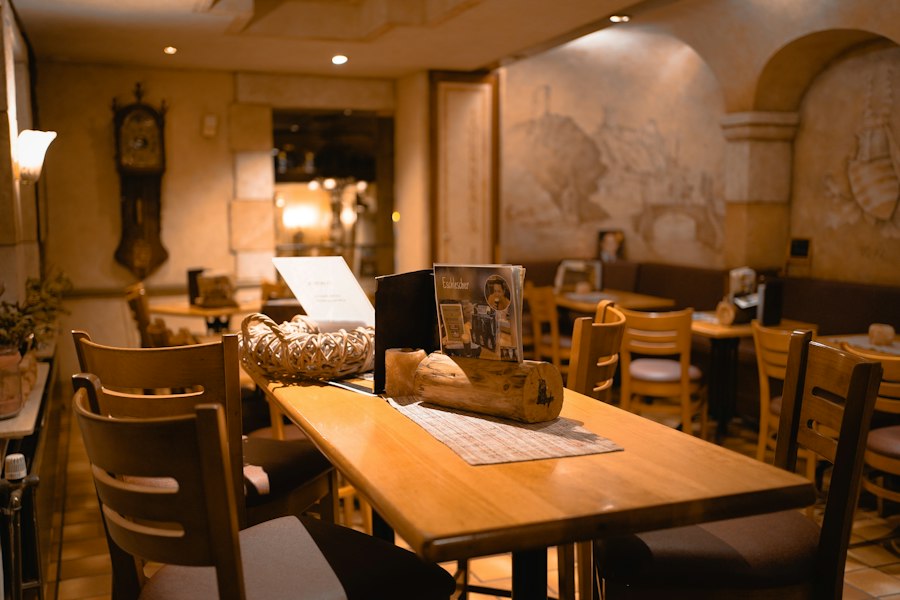
Your website isn’t just for transactions; it’s also a place to tell your story, build community, and keep customers coming back. Think of it as a living extension of your restaurant’s personality.
The “About Us” Story: Connect with Your Audience
People love stories. Share the journey of your restaurant. How did it start? What’s your culinary philosophy? Who are the people behind the delicious food? Highlight your values, your connection to the community, or any unique aspects of your ingredients or cooking style. This humanizes your brand and helps customers feel a stronger connection, making them more likely to choose you over a faceless competitor. A simple, heartfelt narrative can go a long way.
Highlighting Specials and Events: Create Buzz
Use your website to promote daily specials, seasonal menus, happy hour deals, or upcoming events like live music nights, tasting menus, or holiday gatherings. A dedicated “Specials” or “Events” section that’s regularly updated keeps your content fresh and gives customers a reason to revisit your site. Consider adding an integrated calendar for event listings. These promotions can be powerful drivers of foot traffic and online orders.
Blog or News Section: Share Your Expertise
If you have the capacity, a simple blog can be a fantastic way to share more about your restaurant. This could include posts about where you source your ingredients, interviews with your chef or staff, behind-the-scenes glimpses, recipes for popular dishes (minus your secret sauce, of course!), or even tips for pairing your food with drinks. This positions you as an authority and expert, building trust and engagement. It also helps with SEO by providing fresh, relevant content.
Customer Testimonials and Reviews: Social Proof
Positive reviews are incredibly powerful. Dedicate a section to showcasing glowing testimonials from happy customers. You can embed reviews directly from platforms like Google or Yelp (with permission, if required), or simply curate a selection of positive comments. This social proof reassures new visitors and reinforces the quality of your offering. Make it easy for satisfied customers to leave a review, perhaps with a direct link to your preferred review site.
Photo Gallery: A Feast for the Eyes
Beyond just menu item photos, a dedicated gallery can show off the overall aesthetic of your restaurant, special event setups, or even photos of your team. High-quality visuals are incredibly important for food businesses, as people “eat with their eyes” first. Ensure the gallery is easy to navigate and displays images beautifully, adapting to different screen sizes.
Local SEO and Online Visibility
Having a great website is only half the battle; people need to be able to find it. Local Search Engine Optimization (SEO) is about making sure your restaurant shows up when people in your area are searching for food like yours.
Google My Business Optimization: Your Digital Front Door
This is arguably the most critical piece for local restaurants. Claim and thoroughly optimize your Google My Business (GMB) profile. Ensure all information is accurate and complete: your precise address, phone number, website link, operating hours, and a clear description of your business. Upload high-quality photos of your food and interior. Encourage customers to leave reviews on your GMB profile and respond to them promptly and professionally (both positive and negative). GMB is often the first thing people see when searching for local restaurants, and it directly influences whether they’ll click through to your site or call you.
Consistent NAP Information: Be Findable
NAP stands for Name, Address, Phone number. This information needs to be absolutely consistent across your website, Google My Business, Yelp, Facebook, and any other online directories. Even small discrepancies (e.g., “St.” vs. “Street”) can confuse search engines and hurt your local ranking. Regularly audit these listings to ensure accuracy.
Keyword-Rich Content: Speak Your Customers’ Language
Think about what people type into Google when they’re looking for a restaurant like yours. If you’re a “farm-to-table Italian restaurant in downtown Anytown,” make sure those keywords appear naturally on your website, especially on your homepage, menu page, and any blog posts. Don’t stuff keywords, but integrate them organically into your descriptions and content. For instance, instead of just saying “Our Pasta,” you might say “Handmade pasta dishes using fresh, locally sourced ingredients.”
Schema Markup: Help Search Engines Understand You
This is a bit more technical, but it’s powerful. Schema markup (specifically “Restaurant” schema) is code you can add to your website that helps search engines understand what kind of business you are, your menu items, reviews, and other key details. This can lead to richer search results (e.g., showing your star rating or price range directly in Google search results), making your listing more appealing. If you’re using a website builder, sometimes this is handled automatically, but it’s worth checking with your web developer or platform provider.
Local Backlinks: Building Authority
A backlink is when another website links to yours. For local SEO, getting backlinks from other reputable local businesses, community organizations, or local news sites can significantly boost your authority in the eyes of search engines. This could involve sponsoring a local event, partnering with a local food blogger, or being featured in a local guide.
Essential Technical Considerations and Analytics
Even the prettiest website won’t help if it’s slow, broken, or you don’t know how people are using it. These technical aspects are the backbone of a high-performing site.
Website Speed: Patience is Thin Online
If your website takes more than a few seconds to load, especially on mobile, people will leave. Seriously. Large, unoptimized images, excessive video, or poorly coded themes can all slow things down. Regularly check your site speed using tools like Google PageSpeed Insights and address any recommendations. Faster sites lead to happier customers and better search engine rankings. Optimize images for the web (compress them without losing quality), minimize unnecessary plugins, and consider a good hosting provider.
Secure (HTTPS) Connection: Build Trust
You know that little padlock icon in your browser’s address bar? That means your website is secure (HTTPS). If your site isn’t secure, browsers will often warn visitors, which is a huge deterrent, especially when handling online orders or reservations. A secure connection encrypts data sent between your site and the user, protecting sensitive information. Most modern hosting providers offer free SSL certificates (which enable HTTPS), so there’s no excuse not to have it.
Regular Backups and Maintenance: Prevent Disasters
Imagine your website going down during a busy dinner rush. Regular backups are crucial to quickly recover from any unforeseen issues, whether it’s a technical glitch, a hacking attempt, or accidental data loss. Just like you maintain your kitchen equipment, your website needs ongoing care. This includes updating software, plugins, and themes to ensure security and optimal performance. If you’re not comfortable doing this yourself, consider a maintenance plan with your web developer or hosting provider.
Analytics: Understand Your Visitors
Google Analytics is a free and incredibly powerful tool that helps you understand how people are using your website. You can see:
- How many visitors you get.
- Where they come from (search, social media, direct).
- What pages they visit most (e.g., your menu page, order online page).
- How long they stay on your site.
- Which devices they’re using (desktop vs. mobile).
- Where they drop off or abandon a process (like an online order).
By regularly reviewing this data, you can identify what’s working well and what needs improvement. For example, if you notice a lot of people abandoning the online ordering process at the payment stage, it might indicate an issue with your payment gateway. Understanding these patterns allows you to make informed decisions to optimize your site for better sales.
Accessibility: Everyone Should Be Able to Use Your Site
While often overlooked, making your website accessible is important both ethically and for reaching a wider audience. This means designing with features that allow people with disabilities to use your site, such as clear text readability, keyboard navigation options, descriptive alternative text for images (for screen readers), and good color contrast. There are tools and guidelines (like WCAG) that can help you assess and improve your site’s accessibility.
By paying attention to these practical tips, your small restaurant’s website can evolve from a static placeholder into a dynamic, sales-generating machine. It’s an investment that, when done right, pays dividends by bringing more customers through your virtual and physical doors.